Take over the boat knowing what to look at.
A guided checklist for your model, photos with a time and a digest, and an ordered report in case a deposit claim arrives.
Works with no signal, on the pontoon.
Free, with no sign-up. Installs from the browser.
Damage
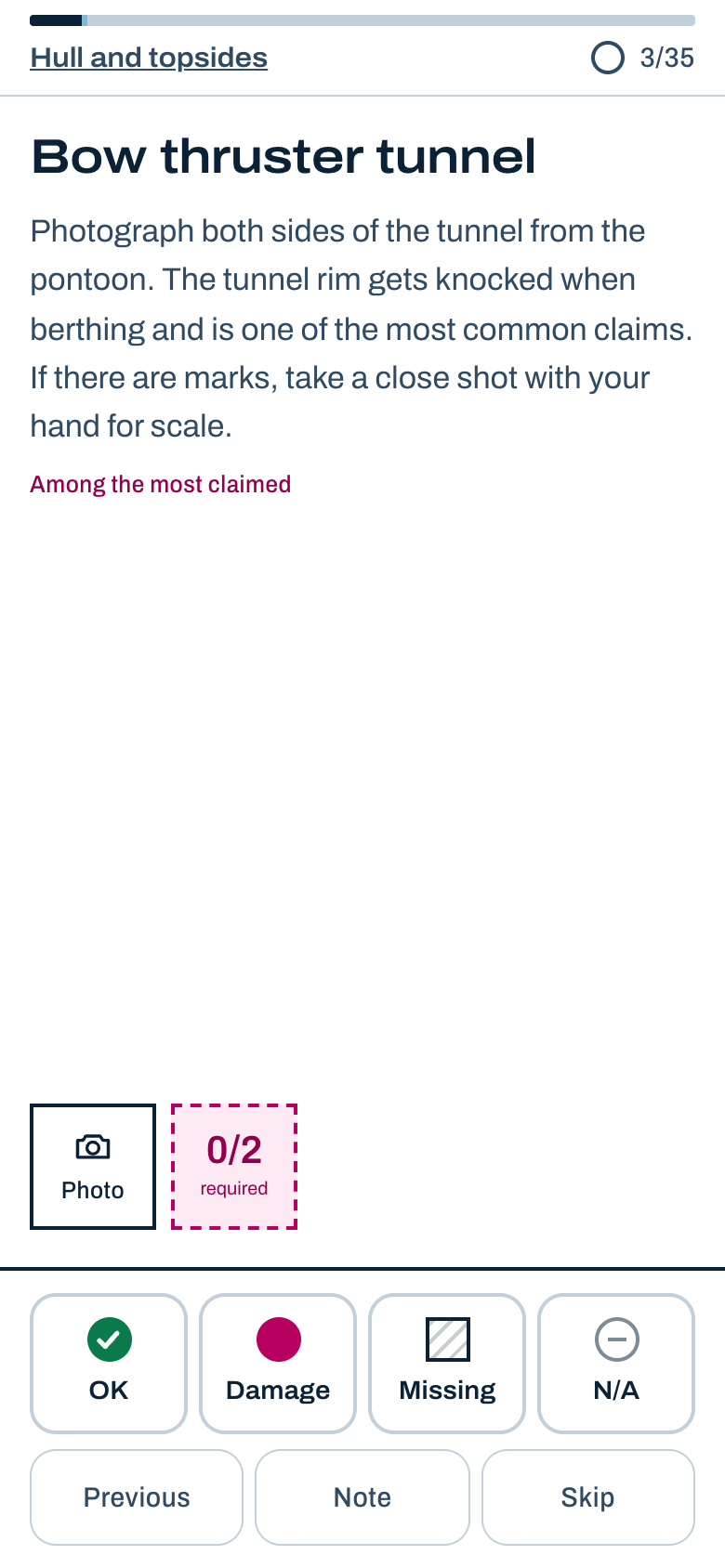
Bow thruster tunnel
Photograph both sides of the tunnel from the pontoon. The tunnel rim gets knocked when berthing and is one of the most common claims. If there are marks, take a close shot with your hand for scale.
What goes wrong on handover day
You do not know what to look at on that model
Every model has its weak spots. The checklist takes you to them, with a hint for each item on what to photograph and from where.
The marina has no signal
The app installs on your phone and works in airplane mode. Photos and notes are saved on your device the moment you take them.
A photo in the camera roll says nothing
It has no context and no checklist, and its date can be edited. Here each photo belongs to its item, with its time, its position, and its SHA-256 digest.
The claim arrives days later
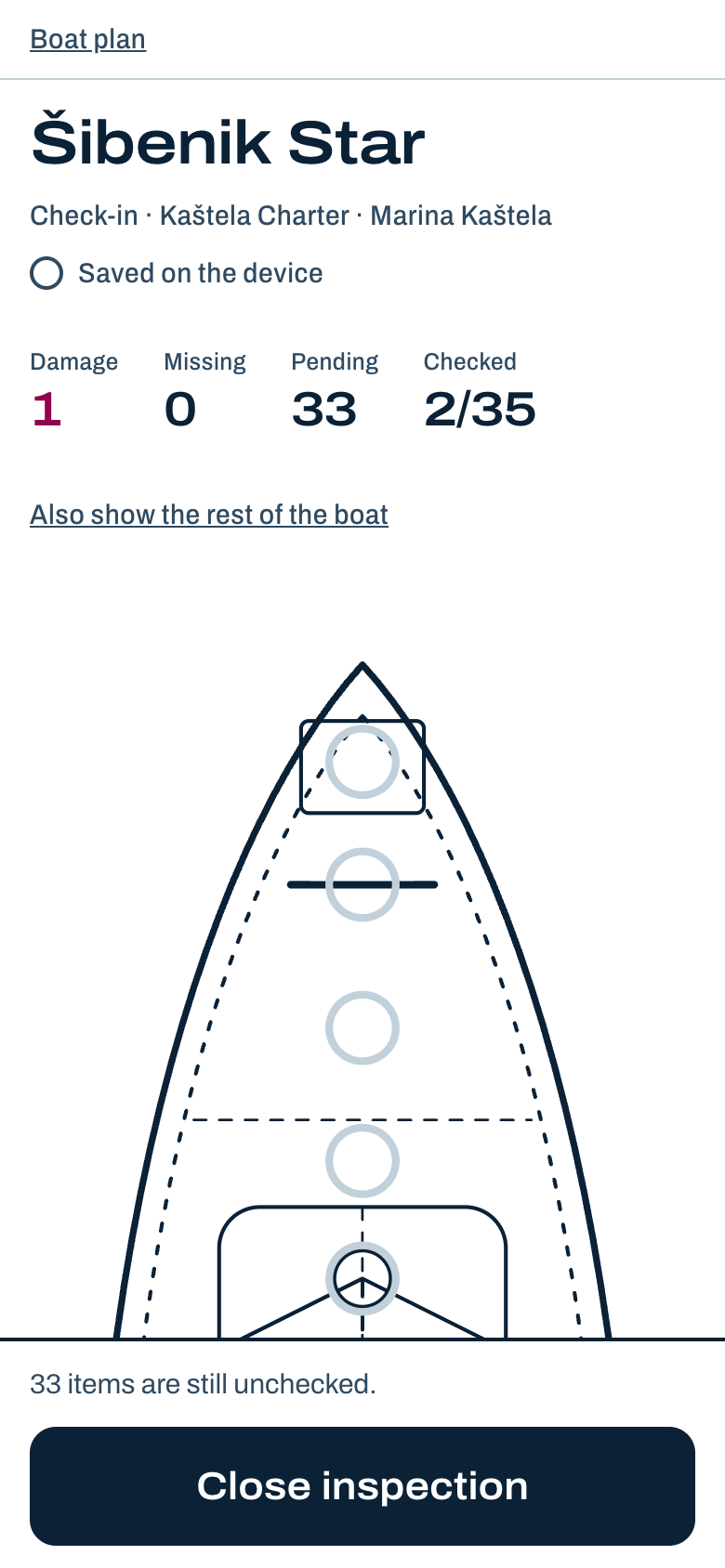
When it does, you have a PDF report ordered by section, with damage and missing items first.
How it works
-
Choose the boat model
If your boat is not listed, the generic monohull and catamaran checklists cover any boat.
-
Walk the boat item by item
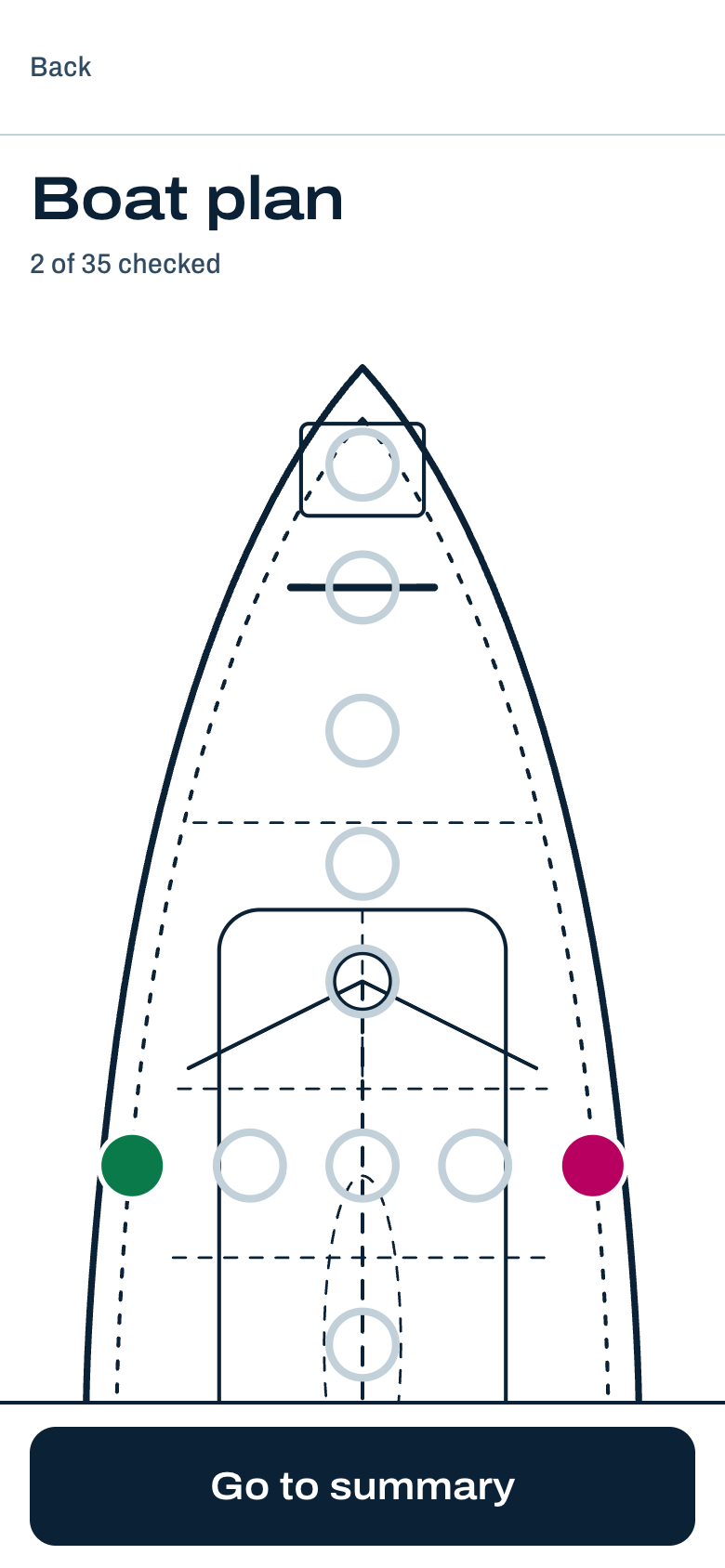
One screen for each item: the hint, the photos, and four answers: OK, damage, missing, or not applicable. It works one-handed.
-
Close the inspection and generate the report
The PDF is generated on the phone, offline. When there is a network, the photo digests are anchored on the server with its time.
-
At return, compare
The check-out follows the same order and shows the handover photo alongside. You mark each item as unchanged or as new damage.
The app, as it is
Checklists by model
Each model adds its own items to the generic checklist for its hull type.
- Bavaria Cruiser 46 14.3 m
- Beneteau Oceanis 46.1 14.6 m
- Dufour 430 Grand Large 13.2 m
- Dufour 470 14.3 m
- Hanse 415 12.4 m
- Hanse 458 14.0 m
- Jeanneau Sun Odyssey 440 13.4 m
- Lagoon 42 12.8 m
For any other boat: the generic monohull or catamaran checklist.
Prices
- Using the app
- Inspections, photos, and check-out comparison, with no limit and no sign-up.
- Free
- PDF report
- The inspection report with no watermark, to download and share.
- €4.99 for each inspection
- Dispute package
- The full report, a public page with the anchored digests to show a third party, and the export of the original photos.
- €14.99 for each inspection
Payment is handled by Paddle, which acts as the seller and applies the VAT of your country.
What anchoring shows, and what it does not
When you close an inspection with a connection, the app sends the SHA-256 digests of the photos to the server, never the photos. The server records its own time.
That shows the images already existed in that exact form before that time. It does not show when they were taken. The report says so in these same words.
Handover is the customer's tool, independent of the operator. It does not replace the operator's inventory.
Your photos stay on your phone
There is no account. Photos, notes, the boat name, and positions are stored only on your device. The app carries no analytics.